Business process automation with custom software in the Dominican Republic

Internal tools, automated reports and workflows that replace spreadsheets, manual data entry and copy and paste between systems. Built in Santo Domingo for companies in the US and the Dominican Republic.

SUMMARY

Business process automation is replacing repetitive manual work (data entry, spreadsheets, recurring reports, approvals, copy and paste between systems) with software that does it automatically. DevLunch is a software development company in Santo Domingo, Dominican Republic, building software since 2014. We build internal tools, back office panels, automated reports, approval workflows and integrations that move data between your systems without manual steps. Work is priced per fixed 6-week cycle, with price and deadline set before development starts and no hourly billing.

  • Internal tools and back office
  • Automated reports
  • Spreadsheet replacement
  • Fixed price per 6-week cycle

What business process automation replaces

Manual data entry

Data entered once, or received from forms, WhatsApp or other systems, instead of retyped into spreadsheets and accounting software.

Spreadsheet workflows

Shared Excel and Google Sheets files replaced by an internal tool with user roles, required fields and a history of every change.

Recurring reports

Weekly and monthly reports generated on a schedule from live data, sent by email or exported to CSV and accounting formats.

Approvals and follow-ups

Quotes, orders, purchase requests and service requests move through defined steps with notifications, so nothing depends on someone remembering.

Automation we build

  • Internal tools and back office panels
  • Quote and order management systems
  • Automated weekly and monthly reports
  • Approval workflows with notifications
  • Spreadsheet replacement with roles and change history
  • Data imports from Excel and CSV files
  • Accounting exports: DGII Formato 606, CSV, QuickBooks Desktop
  • Scheduled reminders by email and WhatsApp

Automation stack

  • Ruby on Rails
  • Hotwire
  • PostgreSQL
  • Redis
  • Sidekiq / Solid Queue
  • WhatsApp Business API
  • OpenAI API
  • Claude API
  • Amazon S3
  • Docker

PROCESS

Software Development Process

STEP 01

Discovery and scoping: problem, budget and solution outline. You get a fixed price before development starts.

STEP 02

Development in a fixed 6-week cycle that ends with working software in production.

STEP 03

Launch, software maintenance, support and the next development cycle.

What is business process automation?

Business process automation (BPA) is the use of software to run repetitive business tasks that people do by hand: typing data from one system into another, building the same report every week, chasing approvals by email or keeping a process alive in a shared spreadsheet.

Automation can be a scheduled job that runs every night, an integration between two systems, or a full internal tool with its own users and permissions. The goal is the same in every case: fewer manual steps, fewer errors and data that is current when someone needs it.

Which business processes should you automate first?

Start with tasks that are frequent, rule-based and error-prone: order entry, quote preparation, invoice and receipt collection, inventory updates, customer onboarding, recurring reports and reconciliation between systems.

A practical test: if a person follows the same steps every time and the steps can be written as rules, the task can be automated. Tasks that depend on judgment keep a person in the loop, with the software preparing the data for the decision.

Should you use no-code tools or custom software for automation?

No-code tools such as Zapier or Make work for simple connections between popular apps. They get harder to maintain when the process has many steps, needs local integrations (Azul, CardNet, DGII formats), handles sensitive data or runs at a volume where per-task pricing adds up.

Custom automation runs on your own infrastructure, connects to any system with an API or a file export, and belongs to you. DevLunch builds it with Ruby on Rails, background jobs (Sidekiq or Solid Queue) and PostgreSQL. The client owns the repository and the code from day one.

How much does it cost to automate a business process?

Cost depends on how many steps, users and systems the process involves. A scheduled report or a single integration is a small piece of work. An internal tool with roles, approvals and several integrations takes a full 6-week cycle or more.

DevLunch prices work per fixed 6-week cycle (Shape Up). The process is mapped with you first, then price and deadline are set before development starts. No hourly billing. At the end of each cycle the automation is running in production.

Can AI automate business processes?

Some steps involve reading unstructured text such as emails, PDFs or chat messages. Language models from OpenAI and Anthropic (Claude) can classify, summarize or extract data from that text as one step inside an automated workflow, with a person reviewing the result where errors are costly.

Most of the work in an automation project is still regular software: data models, integrations, permissions and reports. For projects where the language model is the core of the work, see AI integration services.
FAQ

Frequently asked questions

It is the use of software to run repetitive business tasks that people do by hand, such as data entry, recurring reports, approvals and copying data between systems.

CLIENTS

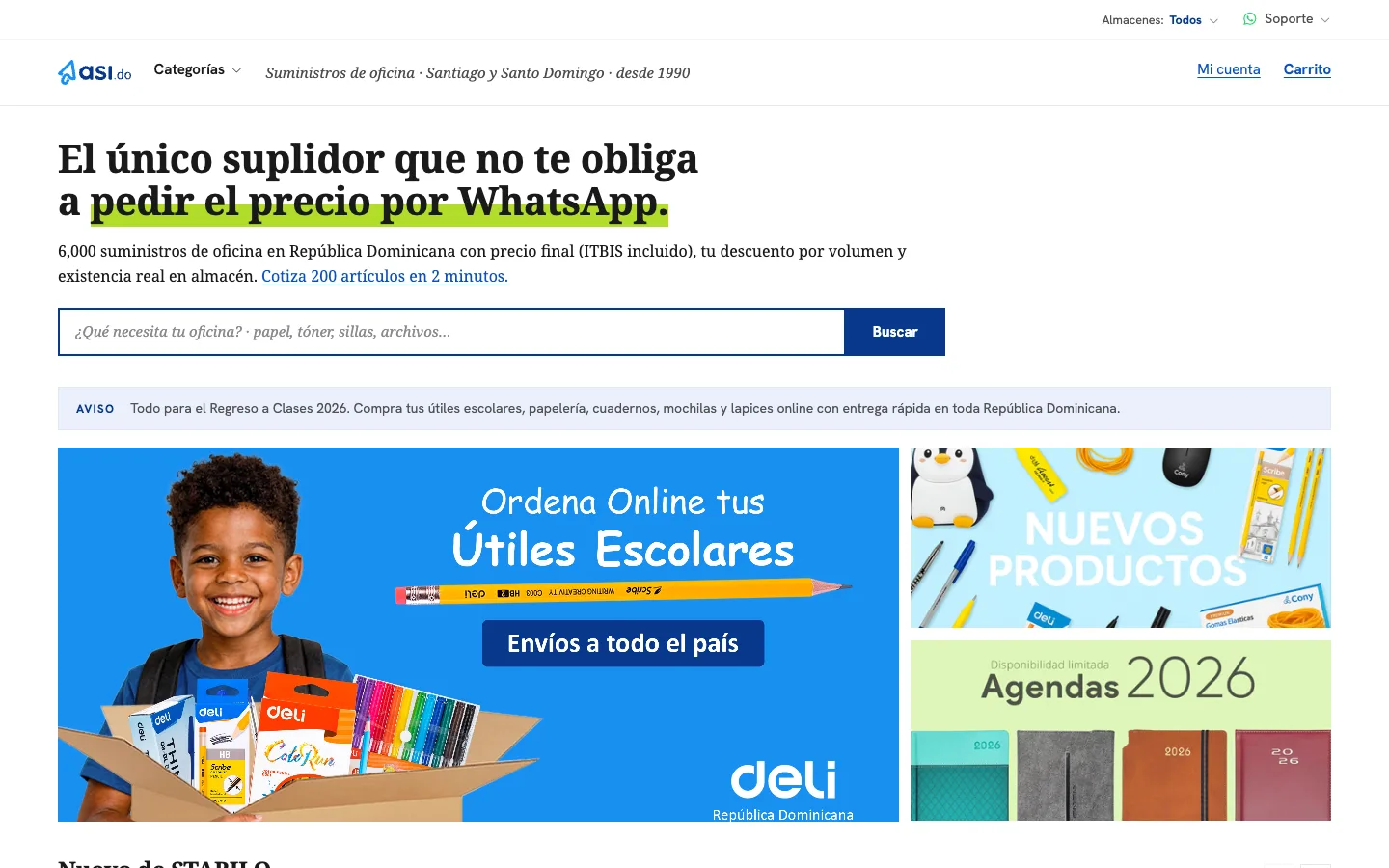
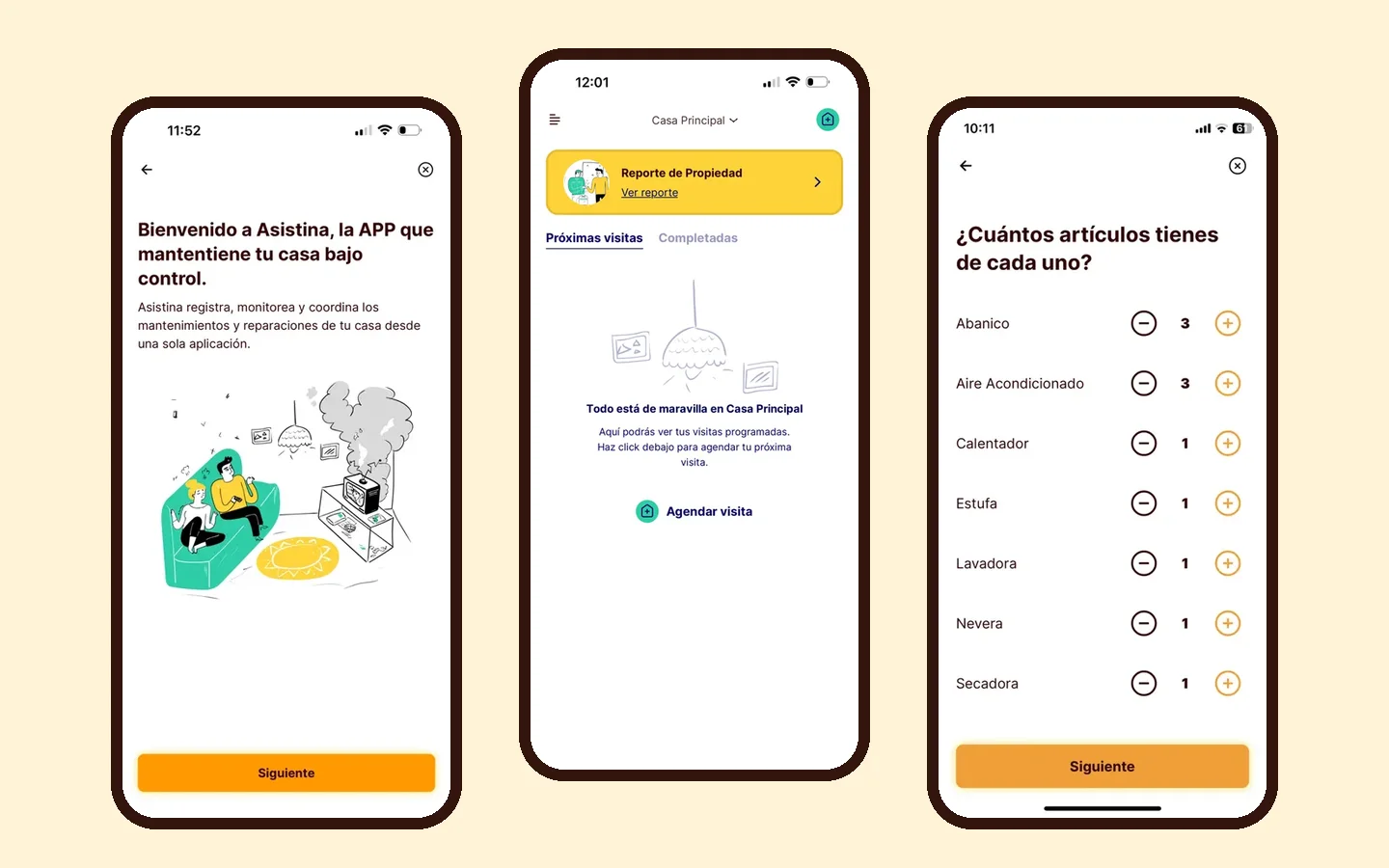
asi.do logoFastlane logorecibos.do logopaquetes.do logoBrandesign logoHighgrace logo

Automate a manual process in your Dominican business

Free initial consultation. We reply within one business day.

Request a quote