
CASE STUDY
Azul Payments for WooCommerce: Card Payments for Online Stores in the Dominican Republic
A WordPress plugin built and maintained by DevLunch that connects WooCommerce to the AZUL Payment Page, so stores in the Dominican Republic accept credit and debit cards without ever handling card numbers.
- Product
- Azul Payments for WooCommerce
- Type
- WordPress plugin, WooCommerce payment gateway
- Country
- Dominican Republic
- Current version
- 2.0, October 2026
- Stack
- PHP, WordPress, WooCommerce, JavaScript
- Services
- Plugin development, payment gateway integration
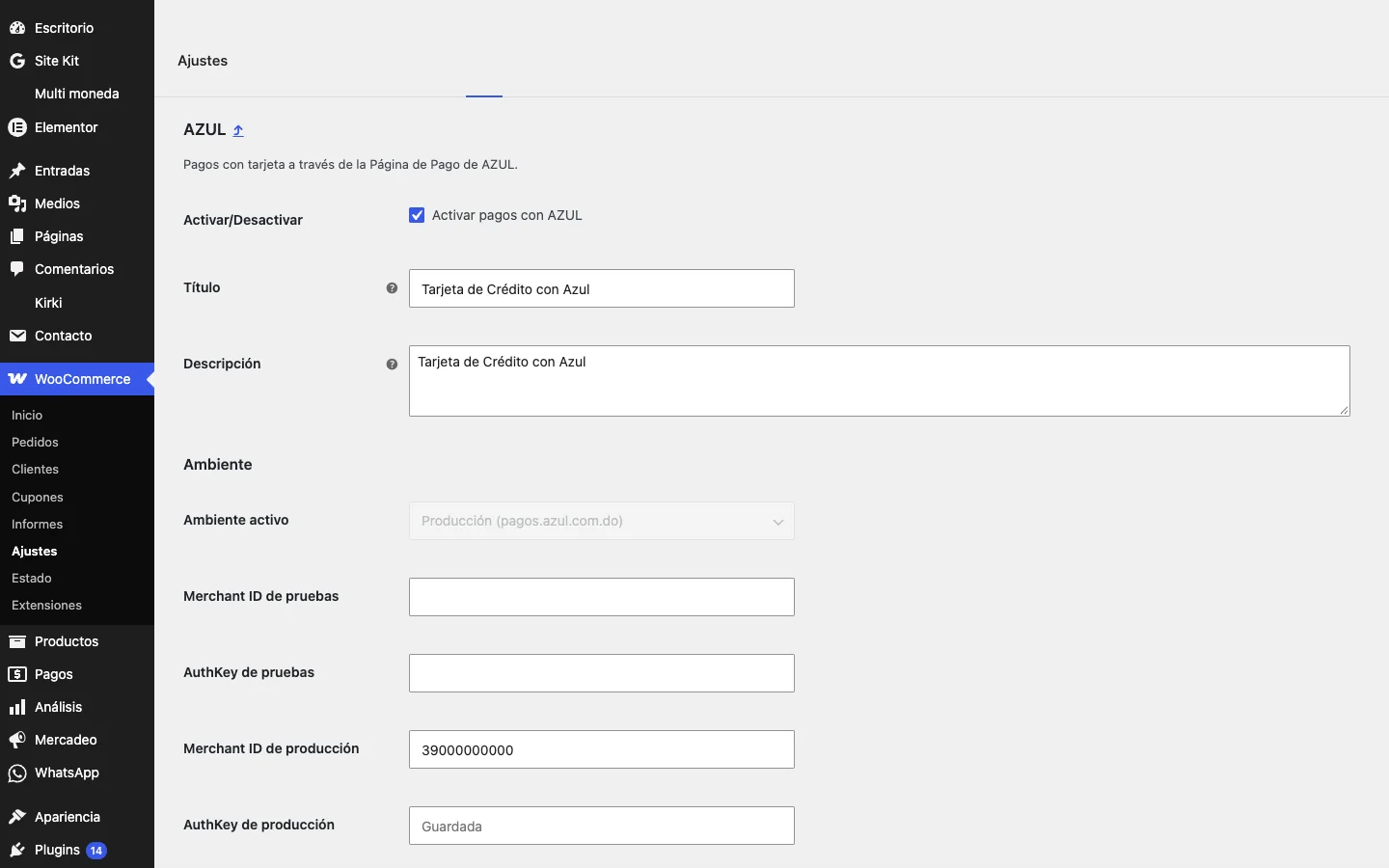
Azul Payments for WooCommerce is a payment gateway plugin built by DevLunch. The customer places the order in the WooCommerce store, pays on the secure AZUL Payment Page and comes back to the store, where the payment is verified before the order is marked as paid. Version 2.0, released in October 2026, is a full rewrite for current WooCommerce: the new block checkout, separate test and production settings, stores priced in dollars and 3D Secure.
THE ESSENCE
The Store Never Sees the Card
Every payment is a round trip. The store creates the order, the customer crosses over to the AZUL Payment Page to enter the card, and the answer comes back to the store, where it is verified before the order counts as paid. Try an approved card, a declined one, or a customer who cancels.
- 1Order created
- 2Payment on AZUL
- 3Answer verified
- 4Order paid
- Running on its own
Send an approved card, a declined card or a cancelled payment, and switch between test and production. Leave it and orders keep coming.
The plugin in numbers
- 20+
- Store installs
- 2.0
- Full rewrite in 2026
- 11.1
- WooCommerce version tested
- 2
- Environments, test and production
- 2
- Currencies, pesos and dollars
- 2
- Checkouts, classic and blocks
TRY IT
Check Out, Pay, Come Back Paid
A working replica of a WooCommerce checkout with the plugin. Place the order, go through a simulated payment page and come back to the store. Switch the store to dollars to see the conversion. Nothing is charged and no card is asked for.
Checkout
- Wireless headphones × 1
- RD$ 4,720.00
- Subtotal
- RD$ 4,000.00
- ITBIS (18%)
- RD$ 720.00
- Total
- RD$ 4,720.00
Payment method
Sample store and amounts. Place an order with AZUL, then approve, decline or cancel on the simulated page.
The card stays on AZUL
Customers enter the card on the AZUL Payment Page, so card numbers never pass through or stay on the store.
Confirmed before it counts
WooCommerce marks an order as paid only after the payment is confirmed for that order.
Test without fear
Test and production are kept apart, so tests never charge real cards.
Dollars and pesos
Stores priced in dollars are converted to the currency of the AZUL account, with ITBIS taken from the order totals.
Built for Current WooCommerce
Version 2.0 rewrote the plugin for the way WooCommerce stores work today.
- Works with the classic checkout and the new Cart and Checkout blocks
- Compatible with WooCommerce high-performance order storage
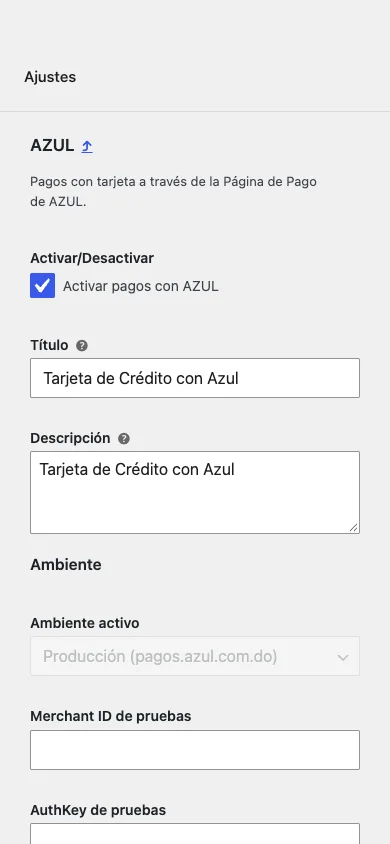
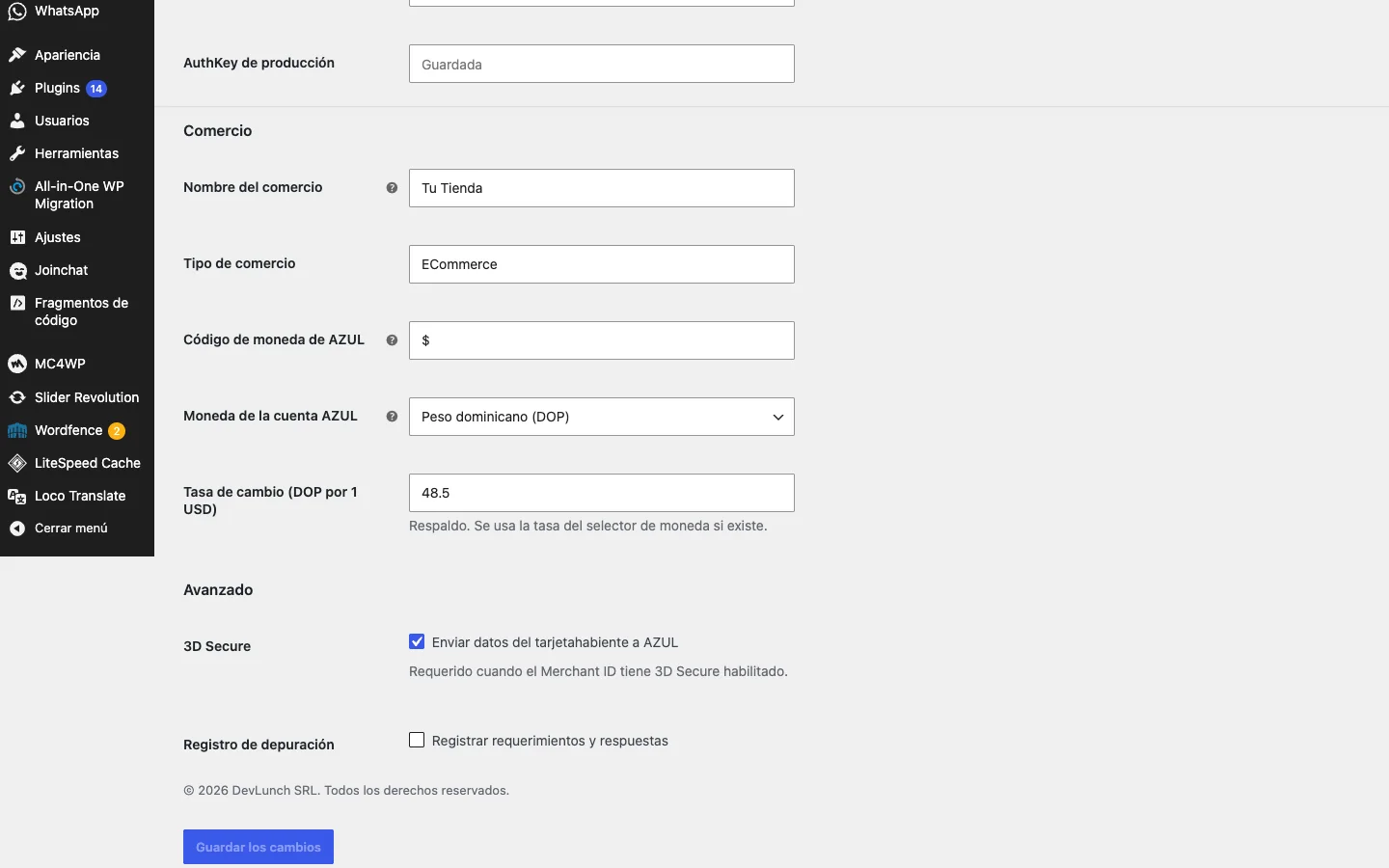
- Separate test and production settings
- Stores priced in pesos or dollars
- 3D Secure support
- Spanish translation and automatic migration of 1.x settings
What Makes It Work
Safe environment switching
Staging and test copies of a store never charge real cards.
Amounts from the order
Amount and ITBIS always match the WooCommerce order.
One currency per account
AZUL accounts settle in one currency, so dollar stores convert at the store's exchange rate or a fallback rate.
Upgrades without setup
Stores coming from version 1.x keep their settings, migrated automatically.
Maintained by DevLunch
Tested against new WordPress and WooCommerce releases and updated by the team that wrote it.
Integrations
- AZUL Payment Page
- Hosted card payments
- WooCommerce
- Orders, totals and order notes
- Cart and Checkout blocks
- The new WooCommerce checkout
- Currency switchers
- Exchange rate for dollar stores
- 3D Secure
- Cardholder data when required
Tech Stack
Plugin
- PHP
- WordPress
- WooCommerce
Checkout
- WooCommerce Blocks
- JavaScript
Payments
- AZUL Payment Page
- 3D Secure
FAQ
Frequently asked questions
It is a WordPress plugin by DevLunch that adds AZUL as a payment method in WooCommerce. Customers pay with credit or debit card on the AZUL Payment Page and return to the store with the order paid.
No. The card is entered on the AZUL Payment Page. The store only receives the result of the payment, which the plugin verifies before marking the order as paid.
A merchant account with AZUL and its Merchant ID and AuthKey for test and production, a WooCommerce store on HTTPS, and the plugin installed and configured.
Yes. Version 2.0 supports the classic checkout, the Cart and Checkout blocks and high-performance order storage.
Yes. AZUL accounts charge in one currency, so the plugin converts dollar orders to the account currency with the store's exchange rate or a fallback rate.
DevLunch builds and maintains WordPress and WooCommerce plugins, payment integrations and syncs with other systems for businesses in the Dominican Republic and the United States.
Accept Card Payments in Your Dominican Store
Free initial consultation. We reply within one business day.
Contact us